Learn Languages
While Watching Anime
Add a second subtitle track to your favorite anime. Blur it, reveal it, learn it. The most natural way to pick up a new language.


Everything You Need
to Learn Naturally
No flashcards. No textbooks. Just watch anime with dual subtitles and let your brain do the rest.
Dual Subtitles
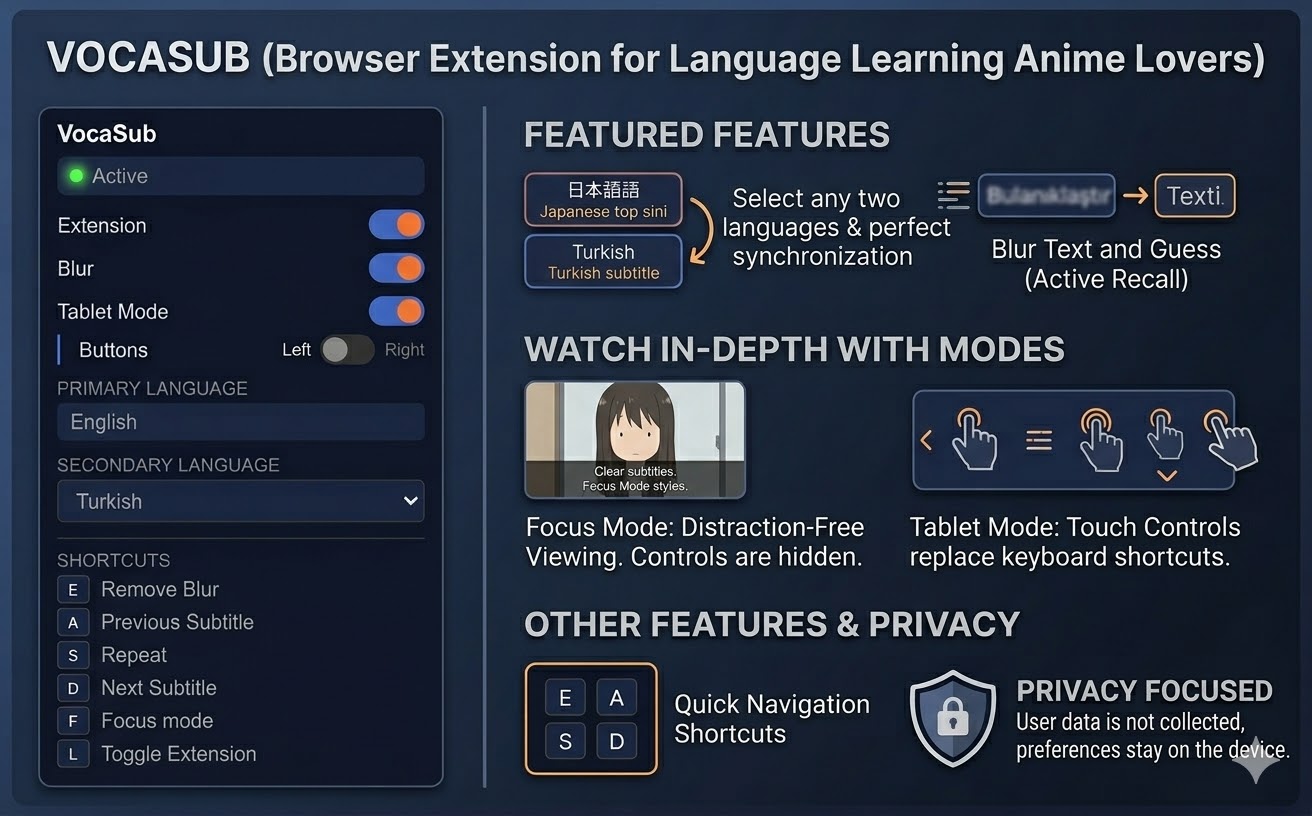
See two languages simultaneously. Primary subtitle on top, your learning language below. Perfectly synced, frame by frame.
Blur Mode
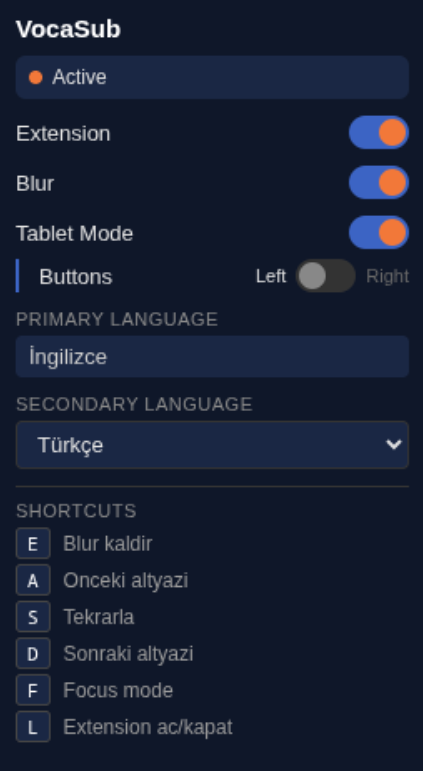
The secondary subtitle starts blurred. Try to understand first, then reveal by hovering or pressing E. Re-blurs automatically with each new line.
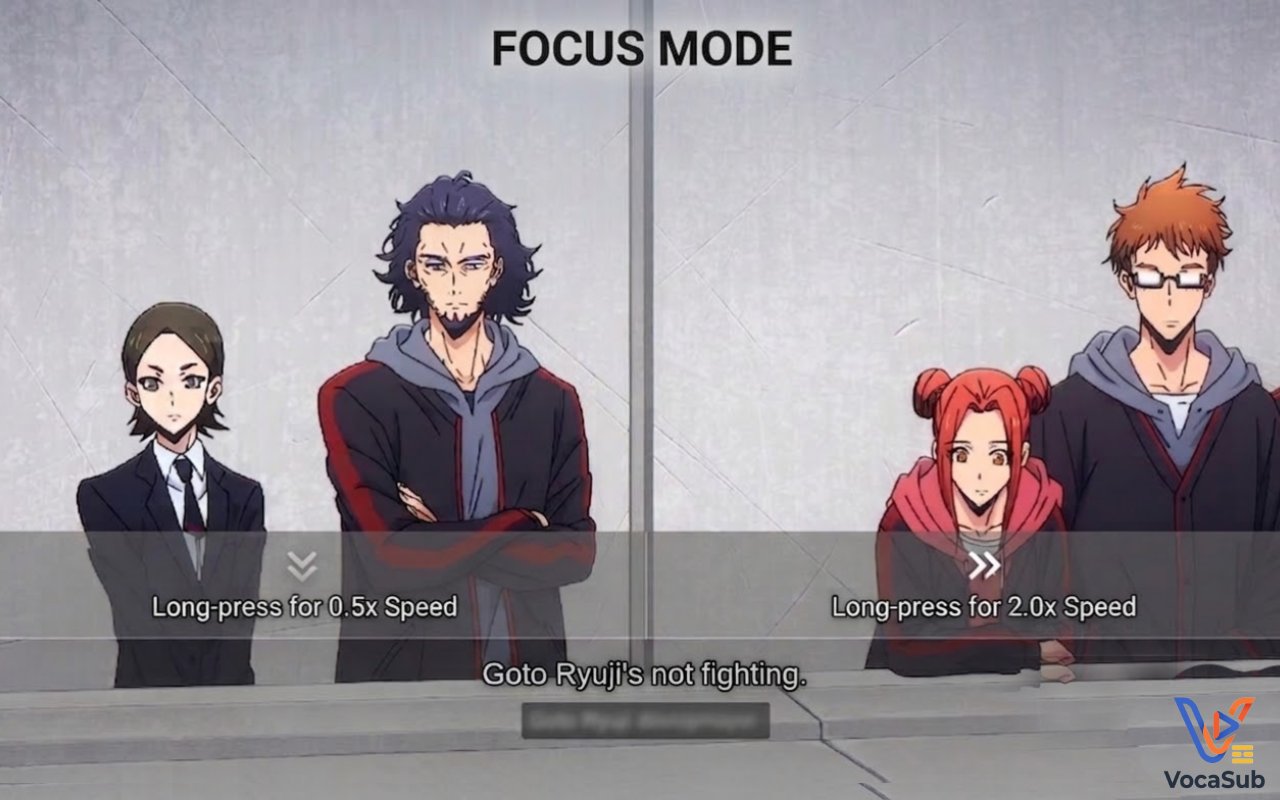
Focus Mode
Distraction-free fullscreen. All controls disappear. Cursor auto-hides after 3 seconds. Just you, the anime, and the subtitles.
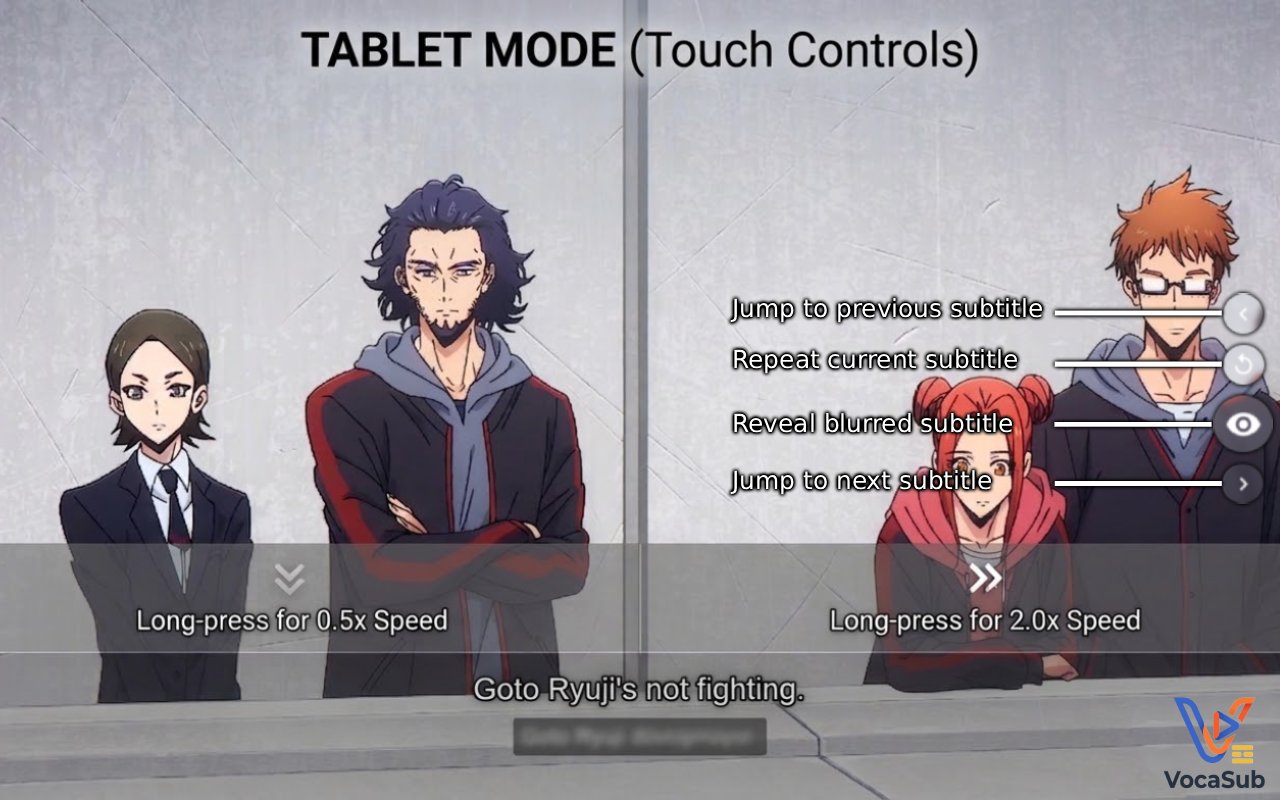
Tablet Mode
Touch-optimized controls with on-screen buttons. Long-press left half for 0.5x slow-mo, right half for 2.0x speed boost.
Subtitle Navigation
Jump between subtitle lines with A/S/D keys. Replay a sentence, skip ahead, or go back. The video seeks to each line instantly.
Privacy First
Zero data collection. Zero tracking. Zero external servers. Your preferences stay on your device, always.
Start Learning in 3 Steps
From install to learning in under a minute. No setup, no accounts, no configuration needed.
Install the Extension
Add VocaSub to Chrome from the Web Store. One click, zero configuration.
Pick Your Language
Open any anime on anizium.co and select your second language from the popup.
Watch and Learn
Blur, reveal, repeat. Learn at your own pace while enjoying your favorite shows.
Master the Shortcuts
Navigate subtitles, control playback, and toggle modes without ever touching the mouse.
See VocaSub in Action
Real screenshots from actual anime viewing sessions. Scroll to explore different modes.